
PAX
PAX makes Android smart terminals that look and feel like a phone. If your staff already know how to use a touchscreen, training is short. The range runs from a small handheld reader up to a full countertop unit with a printer, and we match the device to how you actually take payments.
The PAX lineup
Android across the range, from a pocket sized reader to a full countertop unit.
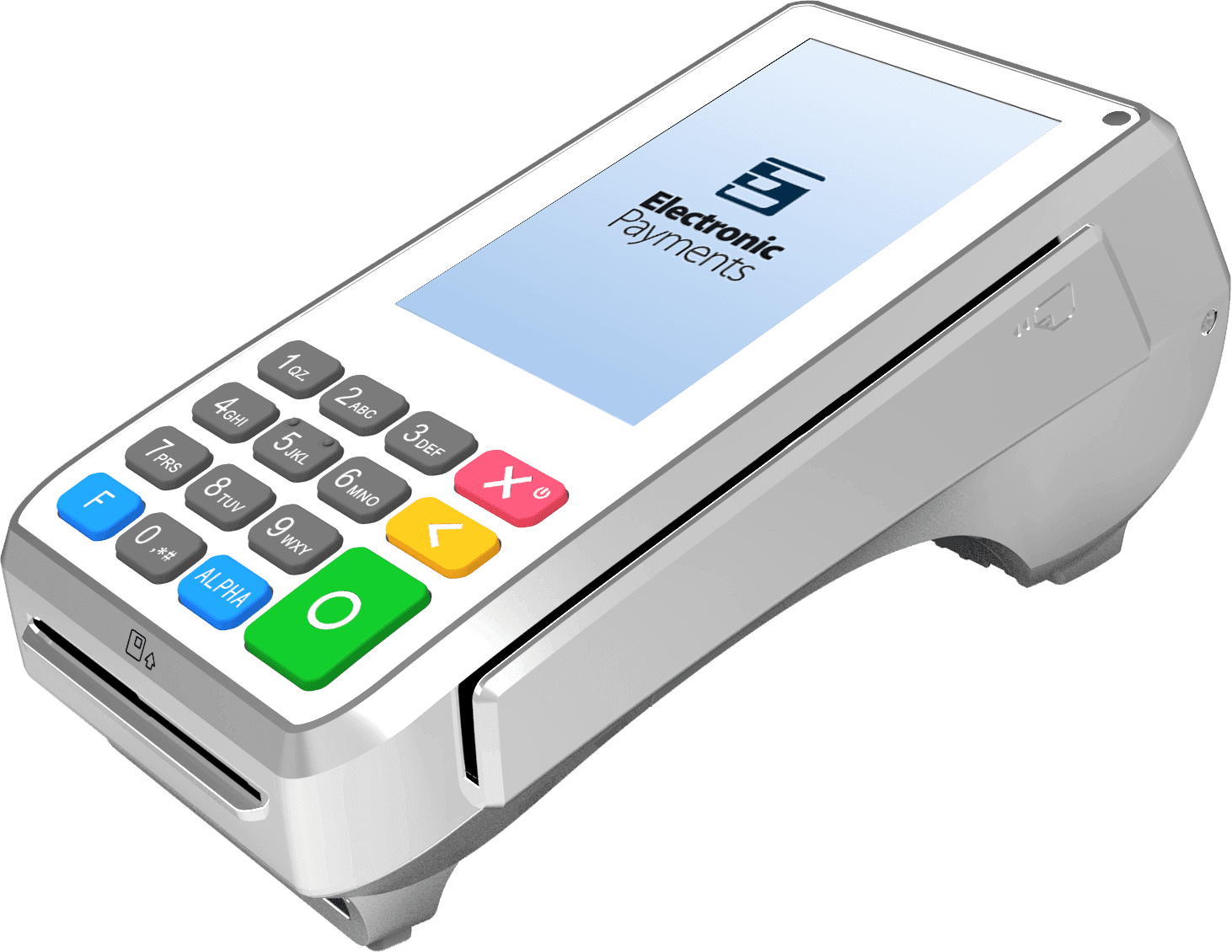
PAX A80
A countertop terminal with a colour screen and a physical keypad. Cards insert at the front, a swipe slot runs along the side, and the raised rear houses a receipt printer. Built for a fixed checkout where staff work from buttons as much as from the screen.
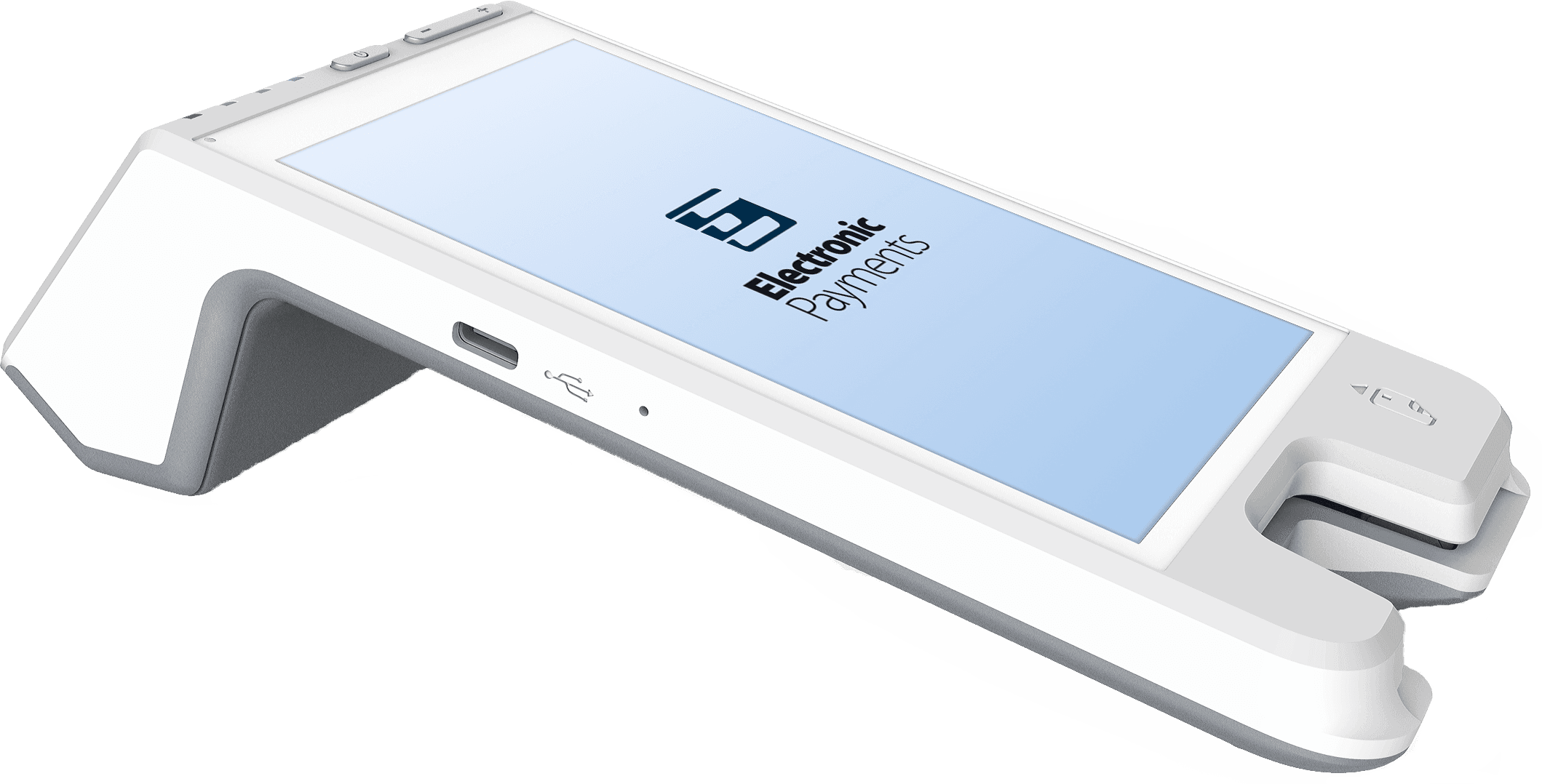
PAX A60
A white countertop terminal with a large touchscreen and no physical keypad on the face. Chip cards insert at the front of the unit, and a receipt printer sits in the raised rear. Suited to a fixed register where staff expect a phone like screen.
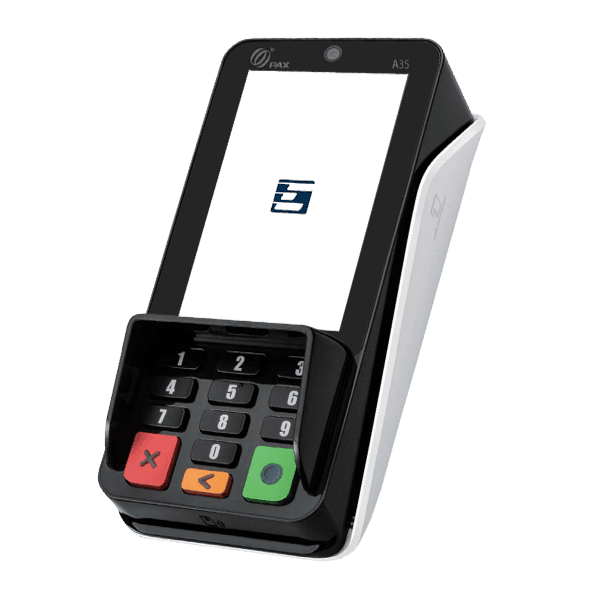
PAX A35
A compact countertop unit with a vertical touchscreen and a physical keypad under a privacy shield. Built for a fixed checkout where the customer enters a PIN on the device rather than handing a card across the counter.
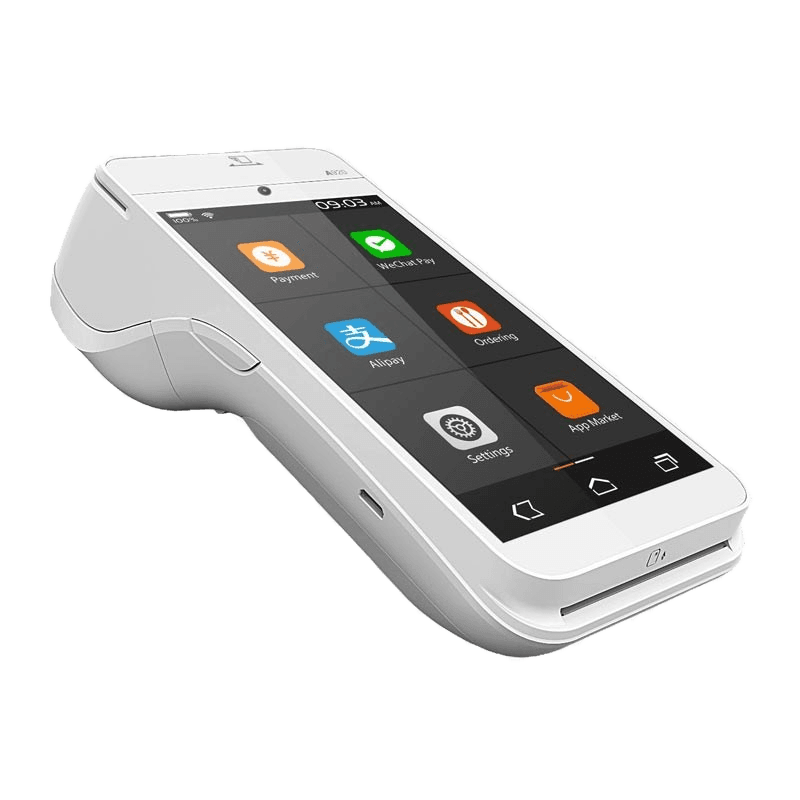
PAX A920
A handheld Android terminal with a full touchscreen and a built in printer at the top. Chip cards insert at the base. Useful when staff need to take payment away from a fixed counter, and the phone like interface shortens training.
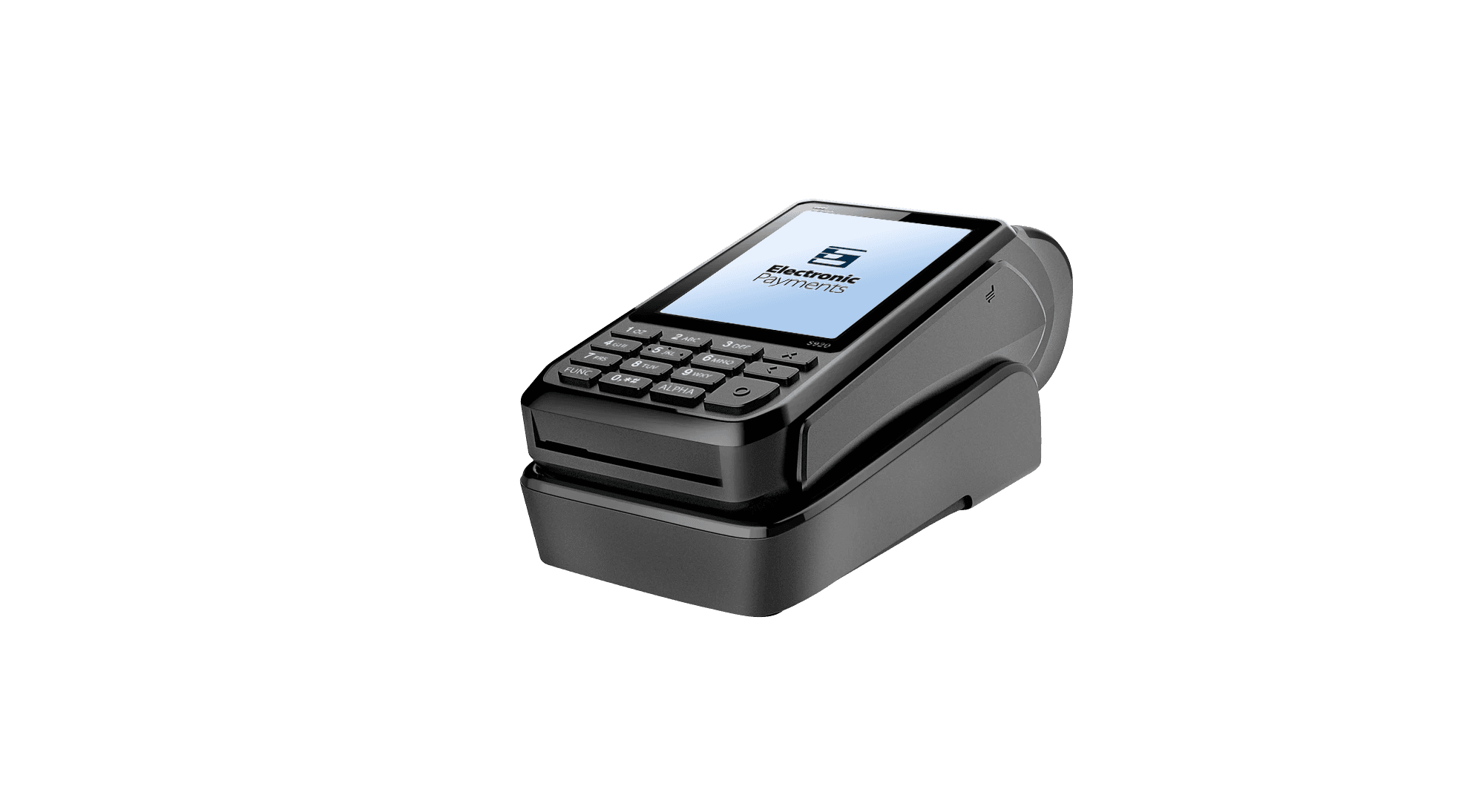
PAX S920
A black handheld terminal with a colour screen and a physical keypad, shown here in its charging dock. Chip cards insert at the base, and the body houses a receipt printer. Fits floors where the device moves with staff and returns to the dock between uses.
What PAX handles
Payments
- Chip, tap, and swipe
- Mobile wallets
- Tip prompts on the device
- Receipt printing
- Refunds and voids from the terminal
At the counter
- Fixed countertop setups
- Handheld units for the floor
- Customer facing prompts for PIN and tips
- Works beside an existing register
Behind it
- Reporting from the merchant portal
- Remote refunds and adjustments where the portal supports them
- Device monitoring for outages
- Setup and training with your team
Not sure where to start?
Book a call and we'll go through what you're working with.